⏱ 14:55
👁 7,840
💻 BitCreator — Build an AI World Without Code
▶️ Video Playback Area
BitCreator Platform Full Tour
🎯 What Is BitCreator?
BitCreator is BitLab's self-developed visual block-programming software, designed for K-12 youth. Its core philosophy: make programming as simple as building blocks.
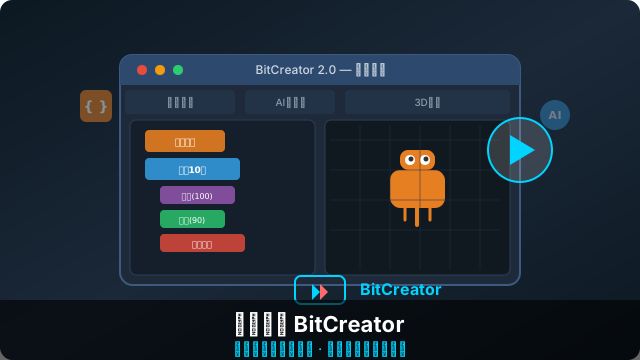
🆕 BitCreator 2.0 — Four Modules
1️⃣ Block Programming (Basic)
- Scratch-like drag-and-drop interface
- 100+ built-in blocks (motion / looks / events / control / sensing / operators / variables…)
- Supports custom block encapsulation
- One-click convert to Python to view the code
2️⃣ AI Agent (Advanced)
- Built-in AI model interfaces (speech recognition / image classification / NLP)
- Drag to configure an AI Agent's capabilities and behavior
- Supports OpenAI / Claude / local large models
- Visual orchestration of multi-turn dialogue flows
3️⃣ Hardware Control (Pro)
- Supports the full AIDREAMS hardware lineup
- Compatible with Arduino / ESP32 / micro:bit and other mainstream boards
- Real-time serial monitor and waveform graph
- Bluetooth / WiFi wireless control
4️⃣ 3D Simulation (Beta)
- 3D simulation environment with a built-in physics engine
- Test program logic without physical hardware
- Supports importing custom 3D models
- Virtual world links with real hardware
🎨 UI Tour
| Area | Function |
|---|---|
| Left block area | All available blocks organized by category |
| Center canvas | Drag and snap programs together |
| Right preview | Real-time preview of program output |
| Bottom properties | Selected-block parameter panel |
| Top toolbar | Run / Stop / Save / Share / Export |
🚀 From Beginner to Master
- Week 1: get familiar with the UI, finish "Hello World" and "animated character"
- Weeks 2–3: learn variables, lists, functions; make interactive mini-games
- Weeks 4–6: connect hardware sensors, do simple IoT projects
- Weeks 7–8: try AI modules, create your own conversational agent
- Week 9+: join competitions or make original works, join the creator community
💻 Download & Install
BitCreator supports Windows / macOS / iPad / Web online, completely free for all K-12 students.
📥 Visit aidreamsedu.com to download BitCreator for free
Share to:
← Back to News