⏱ 08:45
👁 4,380
✨ Super Magic Coat — Welcome to the AI Chinese-Language Classroom
▶️ Video Playback Area
Super Magic Coat AI Chinese Class
👗 What Is the Magic Coat?
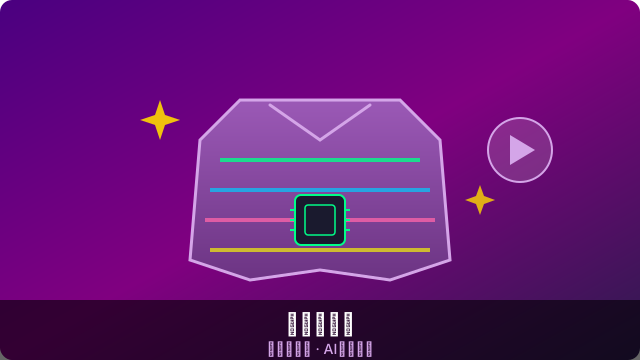
The Super Magic Coat is BitLab's original wearable-programming education product. It perfectly blends fashion styling with programming creation, letting kids learn programming and electronics while designing their own smart clothing.
🎨 Three Magics of the Magic Coat
✨ Magic 1: Light & Shadow
- Built-in 64 full-color LEDs, programmable to show any pattern or animation
- Supports breathing, flowing, rainbow, blinking and more light effects
- Can dynamically change lighting based on sensor data like ambient sound or temperature
🎵 Magic 2: Music Beats
- Built-in MP3 playback module, controllable via programming
- Lights can pulse to the music beat
- Supports recording and playing custom sound effects
🤖 Magic 3: AI Interaction
- Connect an AI voice assistant so the coat can "understand" commands and respond
- Gesture recognition: wave your arm to switch light modes
- Social interaction: two coats trigger special effects when close
📚 AI Chinese-Class Creative Play
| Theme | Programming Activity | Chinese-Language Link |
|---|---|---|
| Poem with painting | Use LEDs to draw a poem's mood | Understand poetic imagery and color |
| Idiom story | Act out an idiom with motion and light | Visualize idiom meaning |
| Character role-play | Program to simulate a character's traits | Deep literary-character analysis |
| Recitation performance | Sound intensity controls light brightness | Blend emotional expression with tech |
🧵 Production Flow
- Choose a base garment (white T-shirt / vest / hat provided)
- Sew or stick LED strips and conductive lines
- Connect the main board and sensor modules
- Write the control program in BitCreator
- Upload the program → put it on and show it off!
Share to:
← Back to News